Programming Android Panels, Tablets and Smartphones – usage eHouse visualization standard
eHouse Home Automation implements of complete graphical visualization and control compliant to eHouse system for Android . “eHouse 4 Android” library for eHouse Building Automation (eHouse for Android) is an extension of development environment for eHouse (libraries and APIs), that allow individual users , cooperating firms and companies to develop individual and dedicated software for eHouse system for Mobile Panels , Tablet , PC , SmartPhones, etc. for control and management.
Basic functions for eHouse graphical visualization and control for Android platform:
- Graphical Control of eHouse System { Home Automation Control } – Pressing the graphical object on the screen sends a control command for eHouse system associated with a given graphic object { Home Automation Management }
- Graphical visualization of eHouse system – individually designed to draw graphical objects associated with the outputs, inputs states , measurement values of analog sensors , for all eHouse Controllers { Home Automation – Controllers } .
- Visual images can be scaled using “fingers gestures ” zoom out and zoom in devices equiped with a “multitouch” display
- Images can be moved left , right , top , bottom , and diagonal by finger gestures
- Drawing of the view is performed with a scalable vector graphics (SVG) to ensure no loss of quality when zooming in and out
- Visualization and graphical control supports eHouse visualization file format, to import graphical data (generated from the CorelDraw application)
- Direct connection to TCP/IP Server (PC or CommManager) locally on LAN, WiFi or via the Internet with any physical connection (DDNS is required in the absence of a fixed IP address and a lack of blocking and firewall for TCP/IP protocol)
- Visualization is working on a thin client to limit the number of data transferred between the controllers and panels which is especially important when utilize internet connection on a GSM network (EDGE, WAP, 3G, 4G, GPRS)
- Visualization of the data and updates of output, input states, measurement results and displays the images associated with them. Views are individually designed using CorelDraw software
Visualization Application example for eHouse { Automation } (SCREEN SHOOT ‘s) based on exemplary individual residential home project: (for comparison with other systems { Building Automation – Gallery of Control Software })
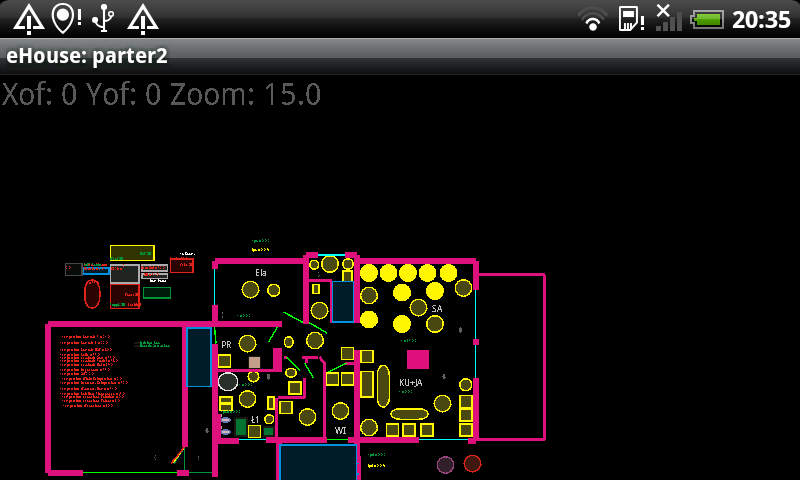
Updating controllers states and change the image associated with the outputs , inputs and measuring lines , in real time (online) over WiFi , Internet or other connection type (TCP/IP) .
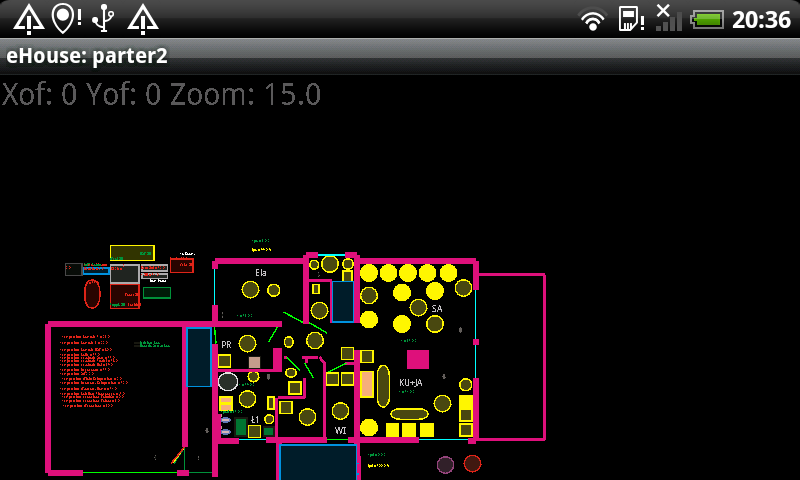
Lossless image scaling (thanks to scalable vector graphics, SVG) by finger gestures on touch screen of SmartPhone.
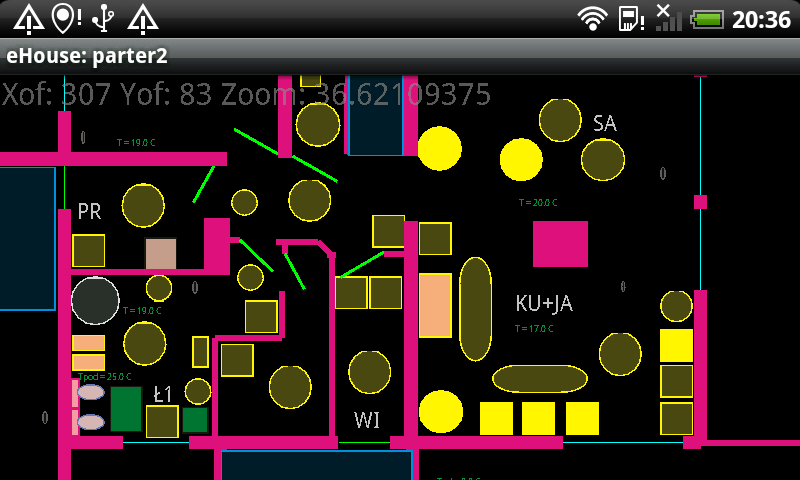
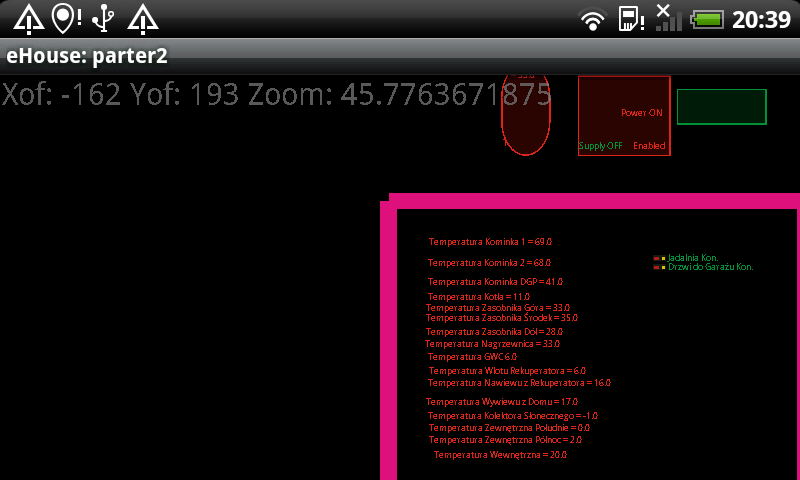
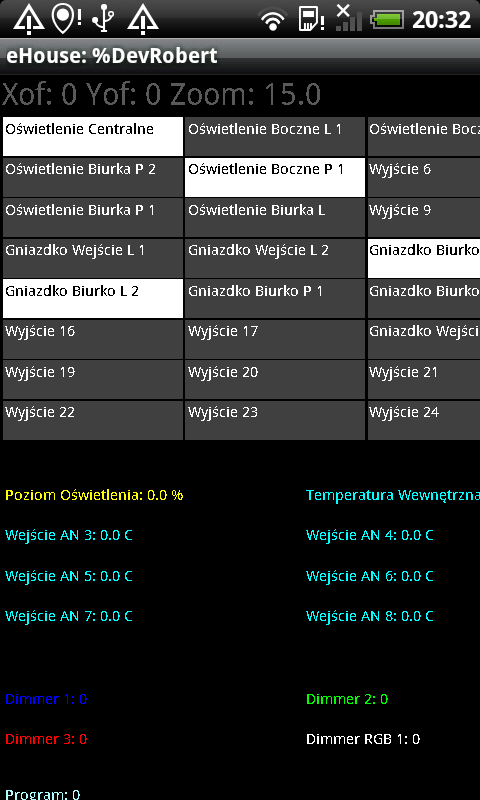
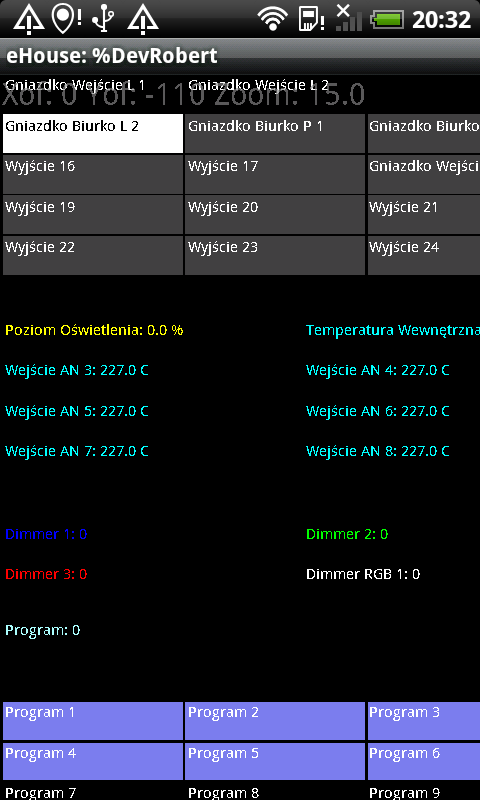
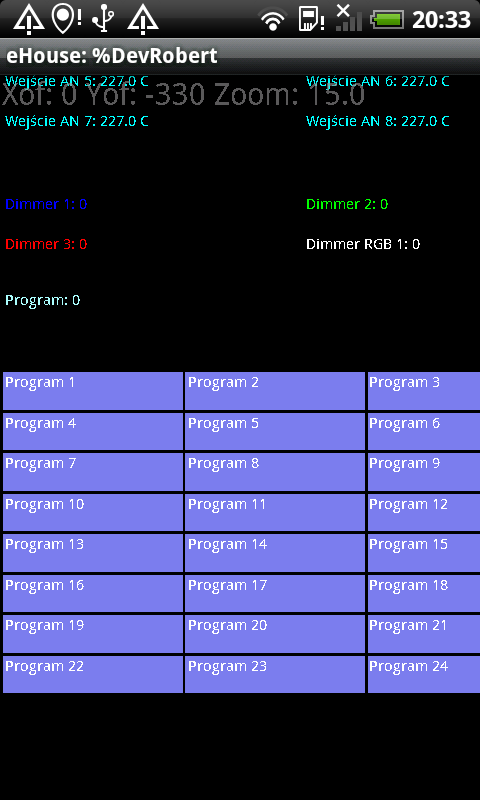
Automatic Visualization – Graphical display of the status of current controller equipment and running of basic events:
change output states and programs, ADC Programs, Zones.
This visualization is created automatically for each eHouse Controller, without having to create individual design of visualization . It includes all signal states (outputs , inputs , measuring inputs , dimmers , etc. . )
The source code of the program Building Automation and Control eHouse graphical visualization of Android
More information and software drivers eHouse: home automation – lighting control in spaces
home automation – heating control, HVAC the central
home automation – control of blinds , gates , awnings
control gates , shutters , awnings
eHouse home automation – Software Control , Visualization , Logs: Windows , Java , Windows Mobile , Control scripts for web , FTP
Home Automation – Security Additional Information Self-design and installation ” Do it yourself ”